
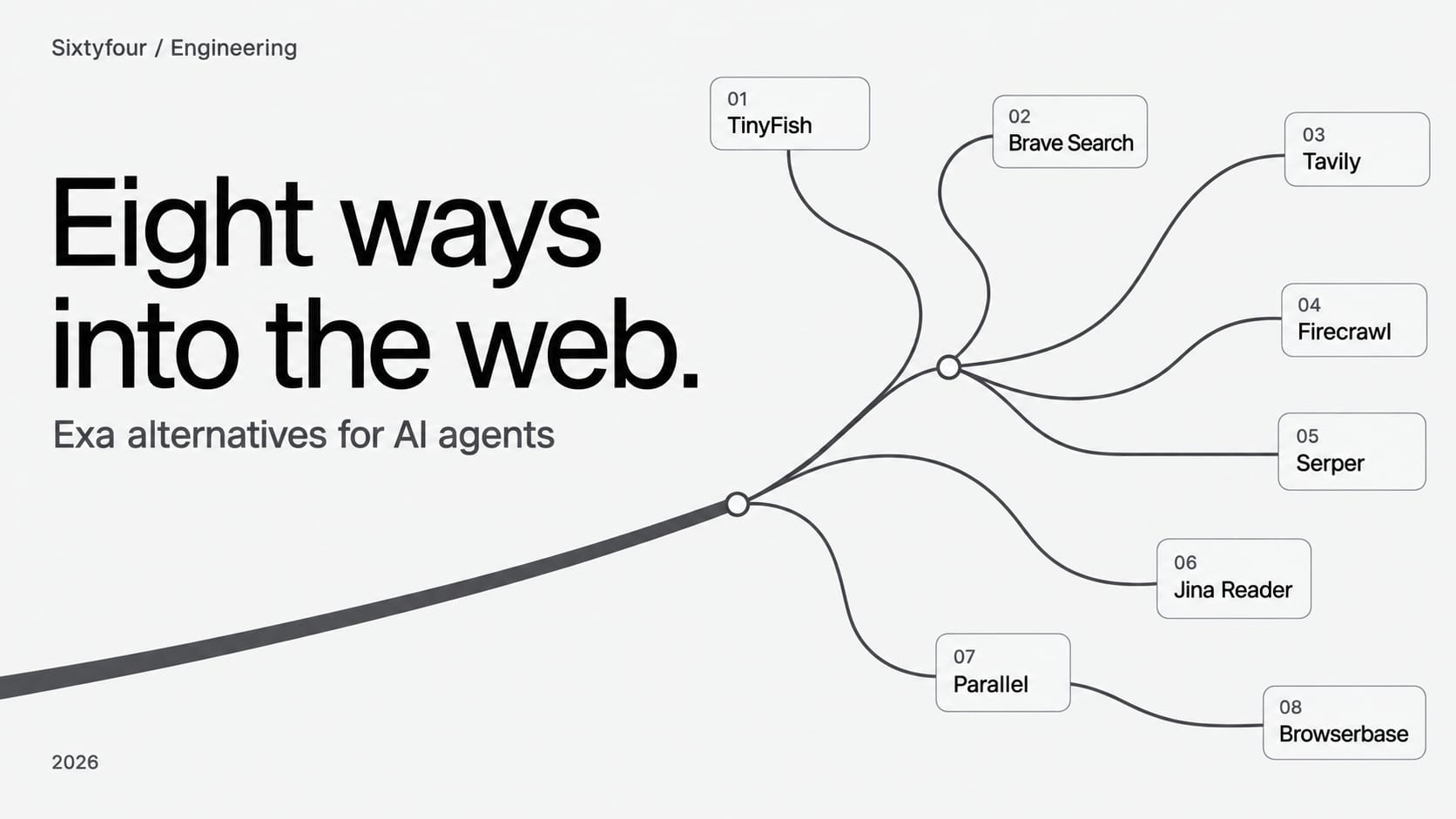
Sixtyfour runs an investigative research agent. Every run starts the same way: find pages about a person, pull the content down, and carry on when a site refuses to cooperate. So we spend a lot of time thinking about the layer underneath, and we have opinions about who does what well.
Exa is a good product. If you want semantic search over a prebuilt index and clean page text handed back in one call, it does that, and the API is pleasant to work with. Teams still leave it, usually for one of four reasons, and which reason you have decides which of the tools below you should look at.
Why teams look past Exa
The index is not the live web. Exa serves results from its own crawl, which is what makes it fast and what makes semantic search work at all. It also means a page published this morning, or a page Exa's crawler never reached, is not there. For a news query or a freshly updated profile, an index lookup and a live fetch give you different answers.
Cost climbs with result depth. Search is $7 per 1,000 requests, covering the first ten results, and every result past ten adds $1 per 1,000. Contents is billed per content type, so asking for text and highlights on one page counts as two. None of this is hidden, and it adds up in a way the sticker price does not suggest once an agent is calling in a loop.
Some sites will not serve a crawler at all. News publishers are the obvious case. If the content you need sits behind an aggressive bot defence, an index that could not fetch it cannot hand it to you either.
And nothing here logs in. Search and fetch are read-only by definition, so the moment your workflow needs to fill a form, click through a flow, or read something behind a session, you are outside what a retrieval API can do.
How we picked these
Our criterion is the whole chain: find the page, get the content, and where the job demands it, act on the site. We care about coverage of difficult domains, freshness, cost at volume, and whether there is a sane path from a prototype to production traffic.
Prices were checked in September 2026. Several of them changed in the past year, so confirm before you budget.
At a glance
| Tool | Its actual job | Published price | Free tier |
|---|---|---|---|
| TinyFish | Search, fetch and Web Agent, live browser | Search and fetch $0; Agent $0.016/step; Browser $0.002/min | Yes, rate limited |
| Brave Search API | Independent search index | $5 / 1k queries | $5/month credit |
| Tavily | Search shaped for RAG | $0.008 / credit | 1,000 credits/month |
| Firecrawl | Crawl a site into markdown | $16/month for 5,000 credits | 1,000 credits/month |
| Serper | Cheap Google SERP data | About $0.30 to $1 / 1k | 2,500 queries once |
| Jina Reader | URL to clean text | Free, then token billed | Yes, generous |
| Parallel | Deep research with citations | Search $1 to $5 / 1k; Task $5 to $2,400 / 1k | 5,000 requests/month |
| Browserbase | A real browser you drive | $20/month, then $0.12/browser hour | 1 browser hour |
| Exa, for reference | Semantic index search | Search $7 / 1k; Contents $1 / 1k pages | $20 credit, $10/month |
1. TinyFish
TinyFish sits first for us because it is the only tool on this list that covers the whole chain behind one key. Search, Fetch, Agent and Browser are separate endpoints on a single account, and the Agent will work through a multi-step flow on a site, including one that needs a login.
The architectural difference from Exa is the one that matters. TinyFish fetches from the source with a real browser at request time, where Exa answers from its index. On a page that changed an hour ago, or a publisher that blocks crawlers, those two approaches do not produce the same result.
On TinyFish's own vendor comparison page, the company reports 49.2% top-result accuracy versus 38.4% for Exa, 93% fetch coverage versus 73%, and 15 of 15 news publishers reached versus 5 of 15. These are self-reported numbers from a TinyFish-run test set, not an independent benchmark, so treat them as directional rather than conclusive.
For a third-party read, the Artificial Analysis Search Index (data as of Sep 8, 2026) puts TinyFish's search cost at $0 per 1,000 benchmark tasks, the lowest of the 13 providers tracked, including Exa.
Search and Fetch are free, which is unusual enough to explain. The published free tier is 30 requests a minute and 500 an hour for Search, and 150 URLs a minute and 1,000 a day for Fetch. Agent runs cost $0.016 a step and Browser sessions $0.002 a minute, both funded from a prepaid wallet with a $10 minimum. Default concurrency is deliberately low, two Agent runs and five Browser sessions, and you raise it by talking to them.
In July they released Mako, a web-native model that powers the Agent layer, trained on their own record of agents doing web tasks for customers.
This is the one to reach for when your workflow does not stop at reading, or when the sites you need are the ones that fight back. The cost of that is operational. Anything at real volume starts with a conversation rather than a credit card, and the free search and fetch tiers are rate limited enough that you will feel them during a heavy backfill.
2. Brave Search API
Brave runs its own index, built from its own crawler, which puts it in the small group that does not resolve to Google or Bing underneath. Anyone who has watched a SERP reseller change behaviour overnight because their upstream changed knows what that independence is worth.
Pricing is $5 per 1,000 queries with a $5 monthly credit, and the rate limit is 50 queries a second, high enough that most people never think about it. There is a separate Answers plan at $4 per 1,000 plus token costs.
One clause to read carefully: storing results to train or fine-tune a model needs a plan that specifically grants those rights, and the standard terms do not cover it. If your pipeline retains raw results, settle this before you build on it.
Brave suits anyone who wants a plain, fast, independent index with predictable per-query billing. It is search only, though. You get links and snippets, and the page content is your problem.
3. Tavily
Tavily is built for retrieval-augmented generation and it shows in the shape of the API. You ask a question and get back results already trimmed to something you can put in a prompt.
The free tier is 1,000 credits a month, pay as you go is $0.008 a credit, and a project plan adds higher rate limits. Credits are consumed at different rates by search, extract and crawl, and the pricing page sends you to the docs for the breakdown, which is mildly annoying when you are trying to model cost.
It is a good choice when you are building a RAG pipeline and want the search layer to stop being a project. The abstraction that makes it quick to start is the same one you argue with later, when you need to know exactly which sources were consulted and why.
4. Firecrawl
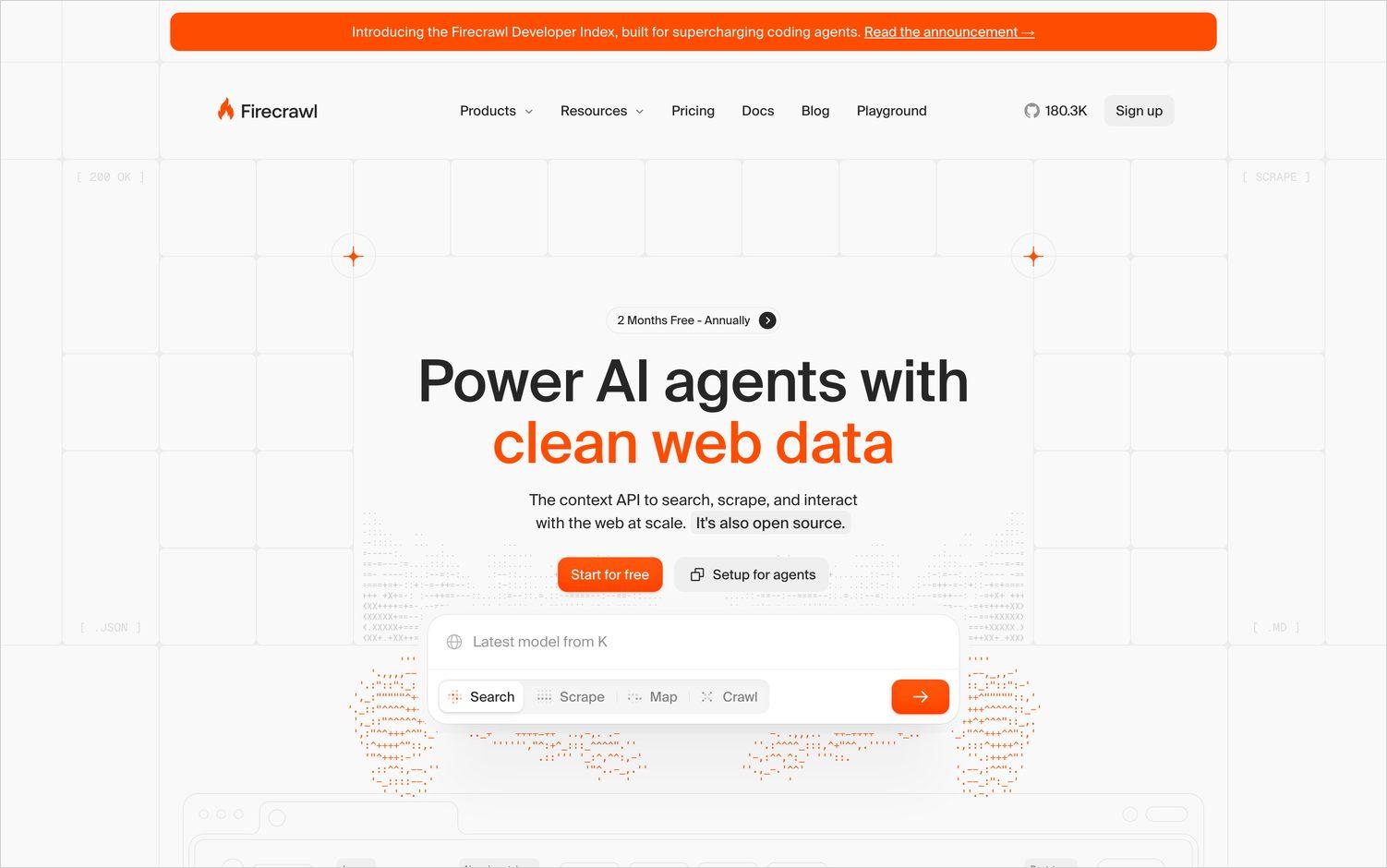
Firecrawl turns a site into markdown. Point it at a URL, or at a whole domain, and get back clean text a model can read, with a crawler that handles the tedious parts.
The free tier is 1,000 credits a month, Hobby is $16 a month for 5,000 credits, and it runs up to $599 a month for a million. A page scrape is one credit and search is two credits per ten results, while structured JSON extraction adds four credits a page, which is the line item that surprises people.
Firecrawl fits when the job is a known set of sites whose content you want, rather than a search problem. Concurrency on the cheap plans is genuinely low, two concurrent requests on free and five on Hobby, so the first serious crawl you run will push you up a tier.
5. Serper
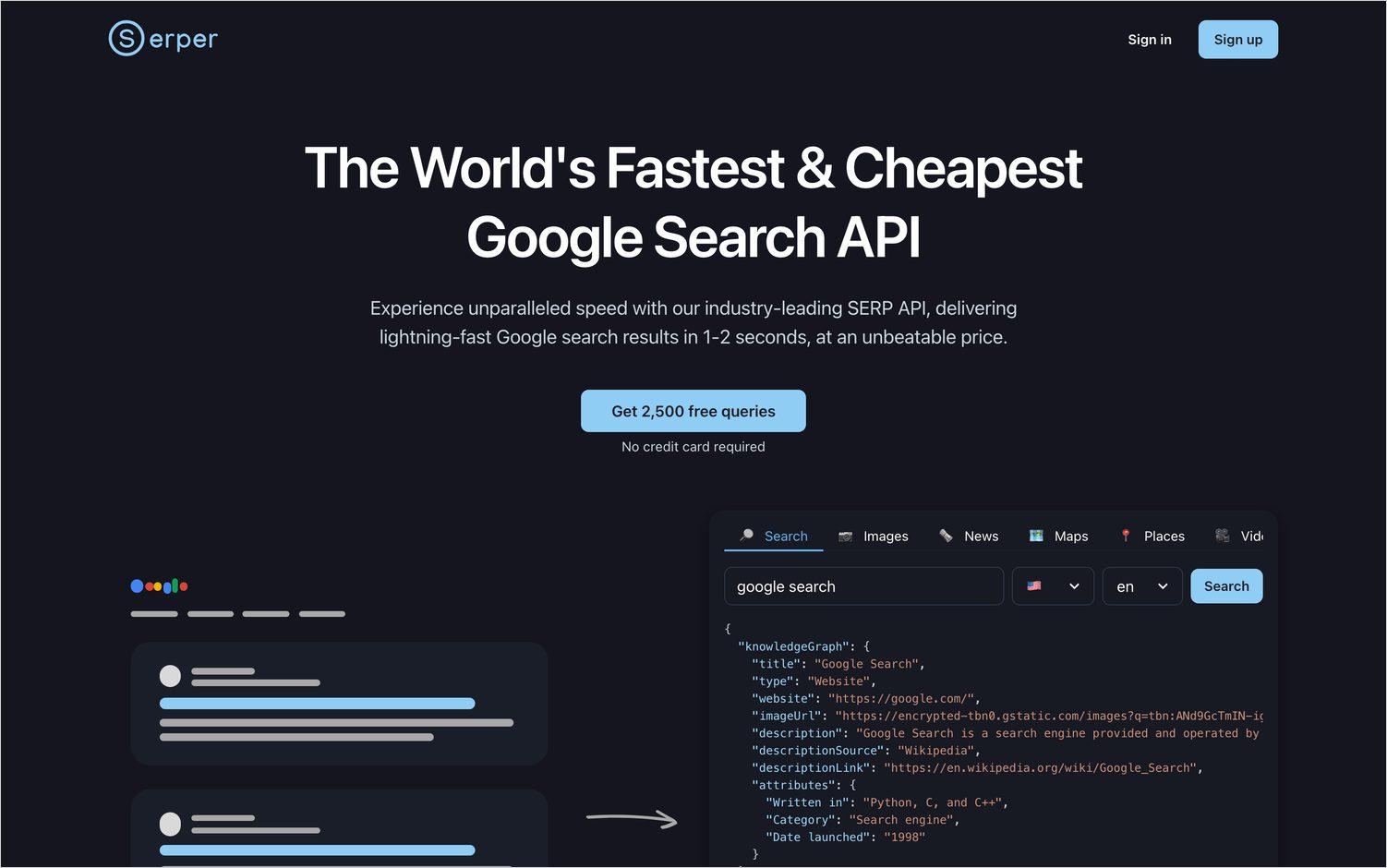
Serper sells Google SERP data, fast and cheaply. It is the least ambitious tool here and that is the appeal. You get what Google returned, in a second or two, without any pretence of being more than that.
Billing is prepaid credit packs rather than a subscription, running from roughly $1 per 1,000 queries at the entry pack down to about $0.30 at the largest, with 2,500 free queries to start. One credit covers ten results and going deeper costs two, so if your agent routinely asks for more than ten, budget at double the sticker.
Take it when you want raw Google results and nothing else. You are buying links rather than content, and a reseller relationship with whatever sits upstream of them.
6. Jina Reader
Jina Reader is two endpoints. Put a URL behind r.jina.ai and get clean text back. Put a query behind s.jina.ai and get the top results as text. It handles PDFs and will caption images.
It works with no API key at all at 20 requests a minute, a free key raises that to 500, and new keys come with 10 million tokens. Billing past that is by output tokens, and search requests carry a fixed 10,000 token minimum whatever comes back.
This is the cheapest way we know to turn a URL into something a model can read, and a sensible fallback partway down a chain. It makes no attempt to solve hard fetches, so the sites that block bots will block this too.
7. Parallel
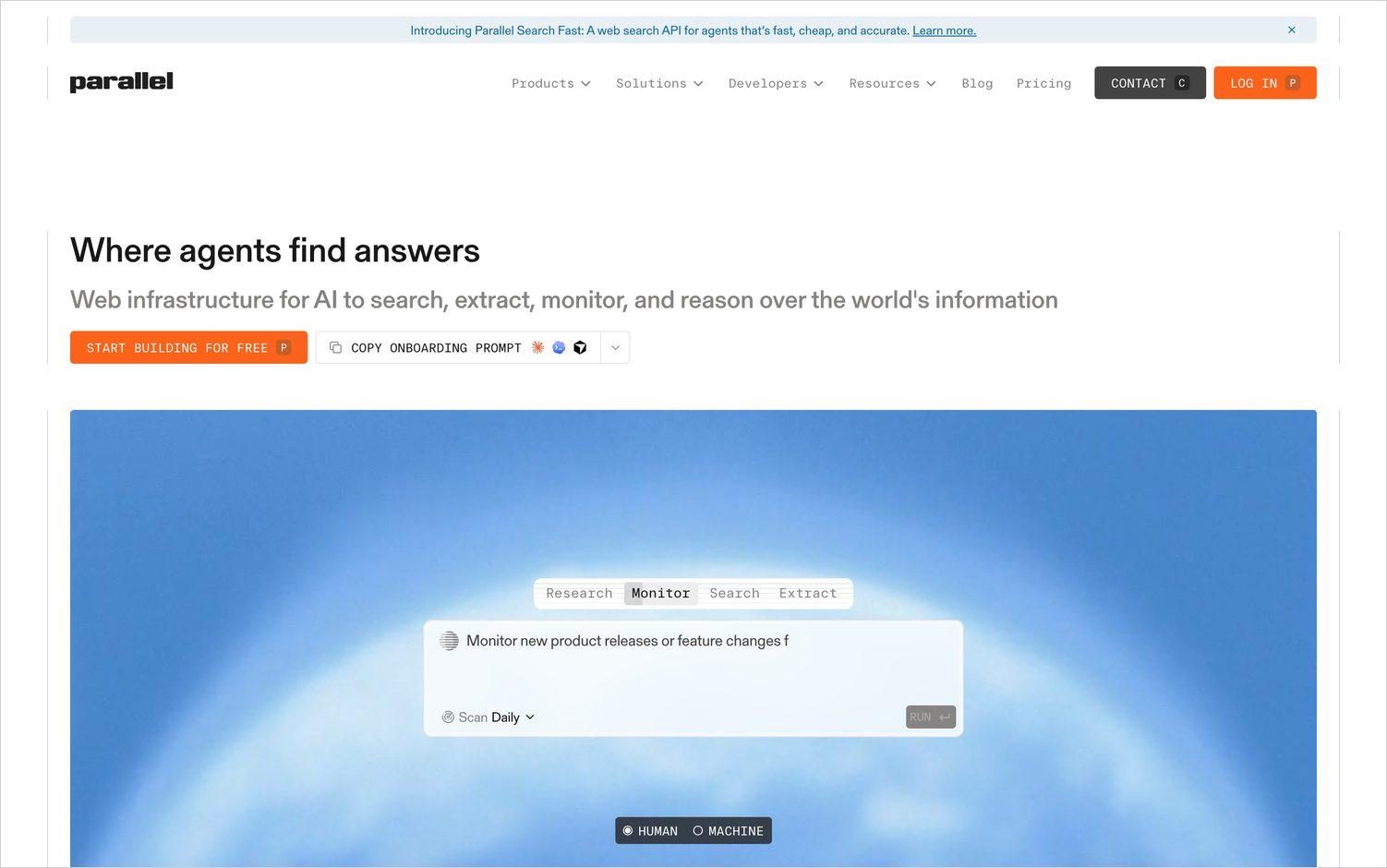
Parallel aims at multi-step research that returns citations, which puts it between a search API and an agent. The Task API runs processors at increasing depth, from Lite at $5 per 1,000 requests up to Ultra8x at $2,400 per 1,000 for runs that take eight to thirty minutes. A plainer Search API sits underneath at $1 to $5 per 1,000, with a Turbo processor around 200ms, and there are 5,000 free requests a month.
We know Parallel from a second angle, since it appears in our own people-research benchmark, where Parallel Ultra 2x scores 41.1% weighted accuracy against Sixtyfour High at 54.3%. That benchmark is ours and it measures people research specifically, so read it as one narrow result rather than a verdict on the product.
Parallel earns its place when the unit of work is a research question rather than a query and you need the citations to defend the answer. The deep processors cost enough that you have to be deliberate about which requests deserve one.
8. Browserbase
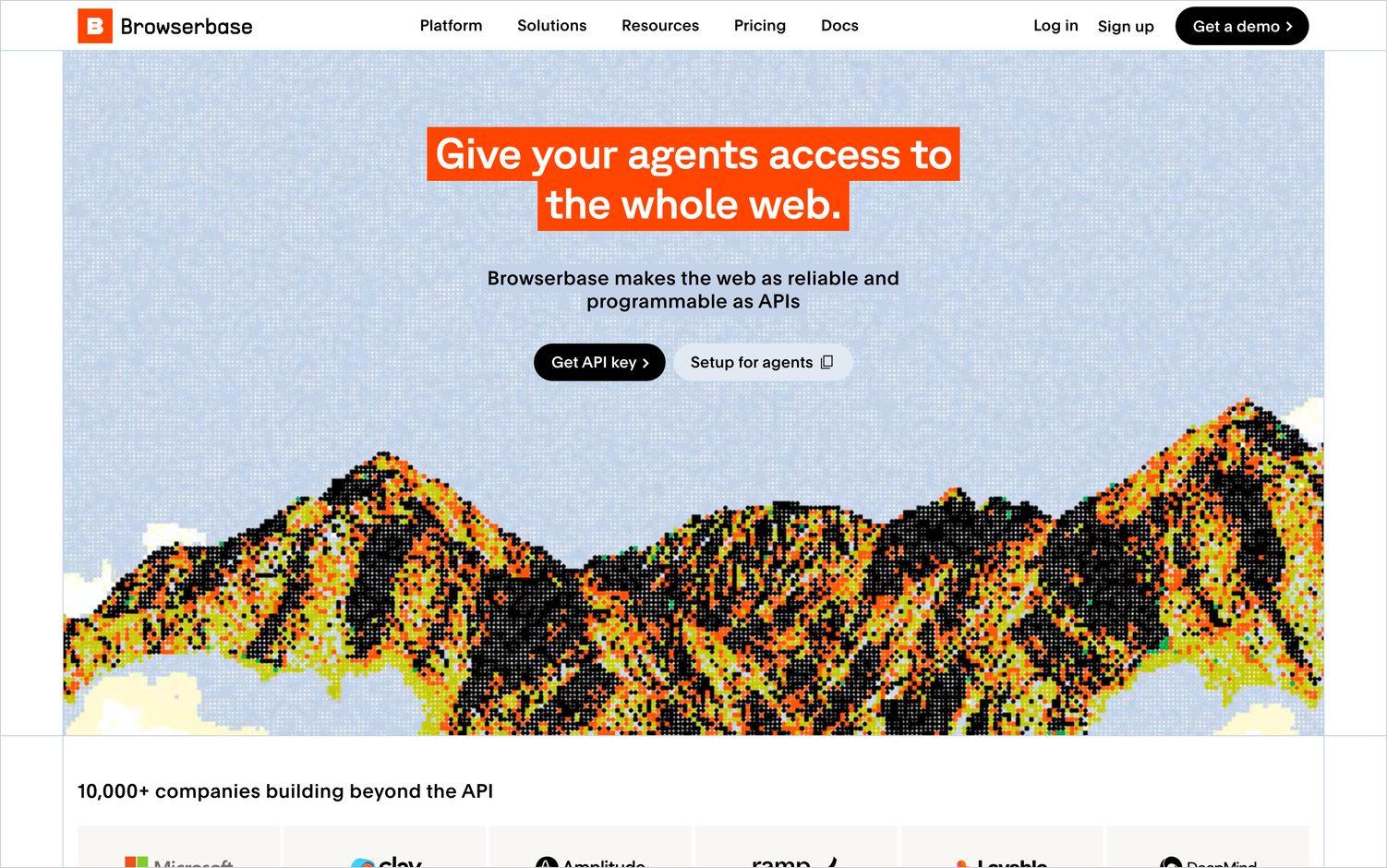
Browserbase gives you a real browser in the cloud that you drive yourself, with Playwright or Puppeteer or an agent framework on top. It is a different layer from everything above, with no opinion about search, just a browser that someone else keeps alive.
The Developer plan is $20 a month with 25 concurrent browsers and 100 browser hours, then $0.12 an hour. Startup is $99 for 100 concurrent and 500 hours. There are Search and Fetch endpoints too, at $7 and $1 per 1,000, which lands in the same place as Exa.
Reach for it when you have logic that genuinely needs a browser and would rather not run the fleet yourself. You are writing and maintaining the automation, which is both the point of the thing and its real price.
What actually breaks at volume
Three things, none of which show up while you are prototyping.
Concurrency ceilings arrive before price does. Most of these publish a per-minute or per-second limit that is fine for development and too low for a backfill, and raising it is a conversation with a salesperson rather than a settings page. Find your ceiling early, because discovering it during a production run makes for a bad afternoon.
Per-result billing changes the shape of your cost. Exa, Serper, Firecrawl and Parallel all price the first ten results differently from the next ninety. An agent that asks for more results when it is uncertain will quietly double its own bill, and you will find that in the invoice rather than in the logs.
Coverage is bimodal. A fetch layer does not degrade gracefully across hard sites, it works or it does not, and the sites it fails on are the same ones every time. Test against the twenty domains you actually care about rather than a random sample, because the average tells you very little about your case.
Frequently asked questions
What is the best Exa alternative?
It depends which part of Exa you were using. For live fetching, and for anything that needs to act on a site, TinyFish. For plain independent search, Brave. For turning known sites into text, Firecrawl or Jina Reader. For research questions with citations, Parallel.
Is Exa expensive?
At $7 per 1,000 searches it sits at the higher end for search, and the per-result and per-content-type billing means the effective rate usually lands above the sticker. Whether that is expensive depends on whether the semantic index is doing work for you that a cheaper keyword index would not.
What is the difference between a search API and a scraping API?
A search API answers "which pages are about this" and gives you links. A scraping or fetch API answers "what does this page say" and gives you content. Exa does both in one call, which is convenient and is also why its billing has two dimensions. Most of the tools here do one of the two well.
Can any of these read pages behind a login?
Only TinyFish and Browserbase, and they get there differently. TinyFish's Agent handles authenticated multi-step flows as a managed service. Browserbase gives you a browser and you write the flow yourself. Everything else on this list is read-only.
Do I need an index or live fetching?
An index is faster and cheaper per call and gives you semantic search across pages already crawled. Live fetching is slower and reaches pages an index missed or was blocked from. If freshness or hard domains matter, you want live fetching, possibly with an index in front of it for the easy cases.
What if the thing I need from Exa is research on people?
None of the tools above solve that on their own. Searching a name returns pages containing that name, which is a weaker claim than establishing that they all describe the same person, and that gap is where most people-research pipelines quietly go wrong. If the job is identity resolution or background research rather than retrieval, you want something built for it. We publish RECON, a benchmark for how well agents find long-tail facts about a specific person, which covers the systems that compete on that directly.
How do I check whether a result is current?
Ask the vendor when the page was fetched, not when it was published. An index will happily return a page it crawled months ago, and the publication date printed on that page tells you nothing about the gap. Tools that fetch at request time do not have this problem.
What we build
Sixtyfour is a people research API. You hand it an identifier, a name, an email address, a company, a profile URL, and it works outward from there across fragmented sources and returns the specific facts you asked for, with provenance attached. Most of the teams using it work in trust and safety, investigations or identity verification.
It sits on top of infrastructure like the tools above rather than replacing any of them, which is why we spend so much time comparing them. If that is your problem too, the RECON benchmark is the most useful thing we publish, and there is a demo if you would rather see it run.