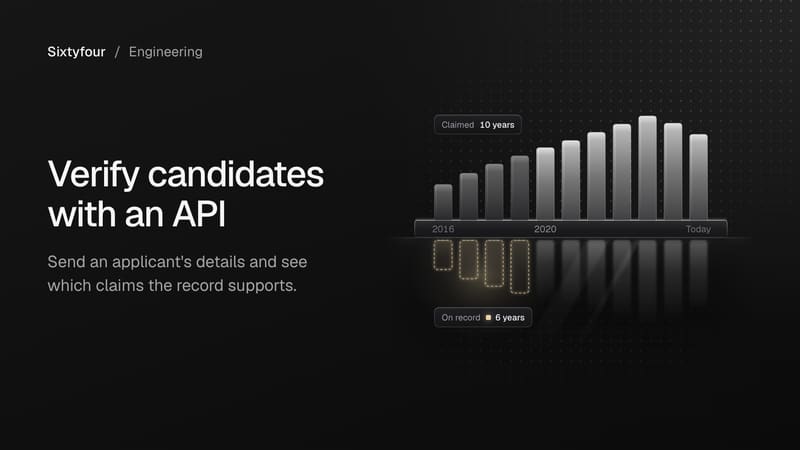
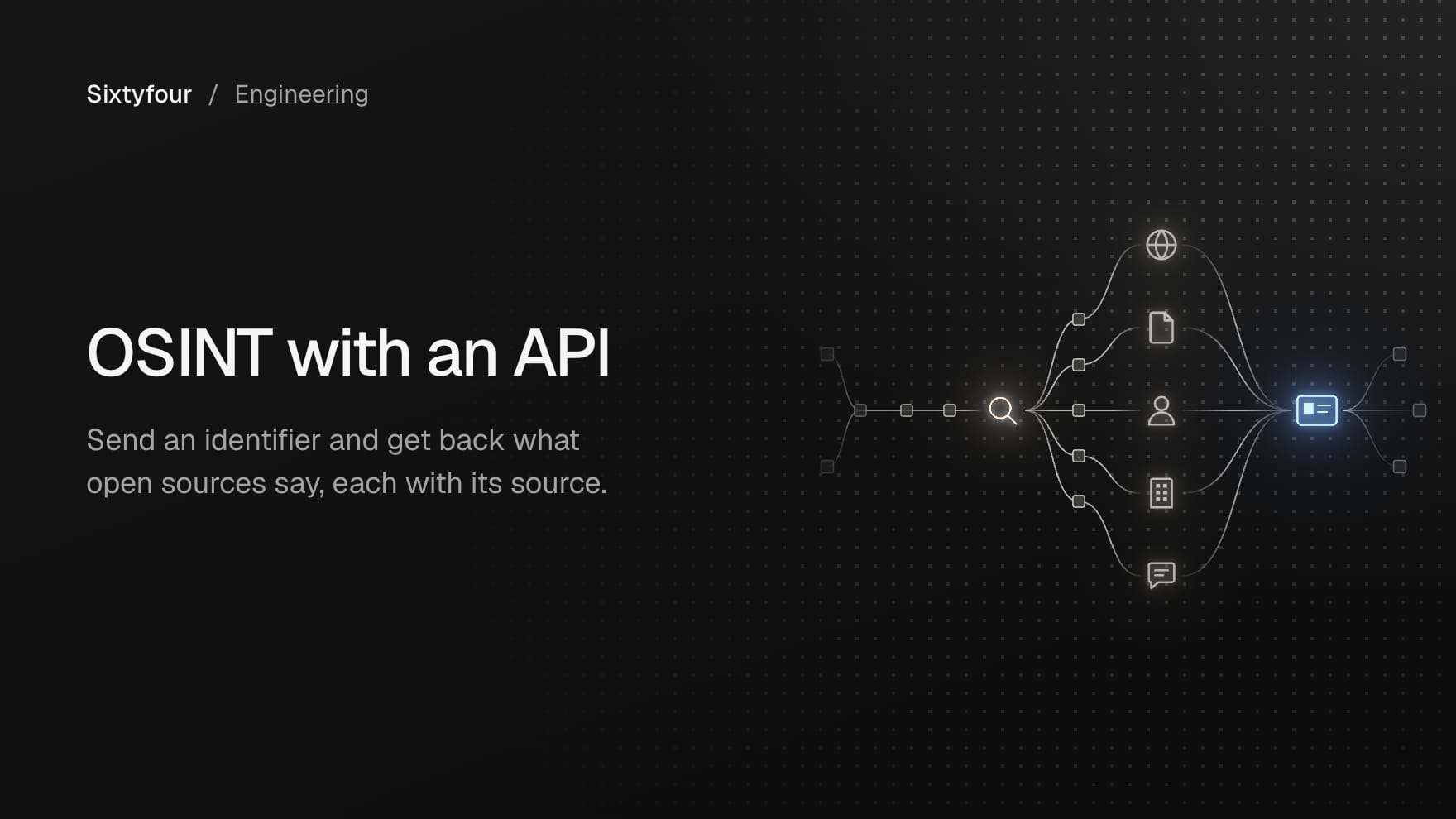
An OSINT API is an API that takes an identifier, such as a name, email address, phone number, username or company, and returns what open sources say about it, with the source each answer came from. Developers meet three kinds: record lookups that return what a stored database holds, web search APIs that return pages matching a query, and research agents that read sources and return cited answers. Sixtyfour is a research API of the third kind. You send what you know about a person or company and name the fields you want, and it returns those fields with the URLs they were read on and, if you ask, a 0 to 100 confidence score for each one. Anything the research could not establish comes back empty, for a person on your team to decide.
Below is how we build OSINT lookups on it: which endpoint fits which job, keys and credits, single calls and batches, webhooks and rate limits, and the rules we keep for storing what comes back. Request and response shapes follow our API docs on the current /v1 routes, checked on 26 November 2026, and the people and companies in the examples are invented. For the investigation method behind the code, see our guide to running an OSINT investigation.
What is an OSINT API?
The US intelligence community's OSINT strategy for 2024 to 2026 defines OSINT as "intelligence derived exclusively from publicly or commercially available information that addresses specific intelligence priorities, requirements, or gaps." An OSINT API puts the collection step behind an HTTP call: an identifier goes in, and what open sources say about it comes back, ideally with the page each statement came from.
Each kind answers a different question:
| Kind | What you send | What comes back | Pick it when |
|---|---|---|---|
| Record lookup | An identifier, matched against a stored database | The record the provider holds, in a fixed shape | You need standard fields for many rows quickly |
| Web search API | A query | Pages that match it, ranked, with snippets | You want pages, and your code or an analyst does the reading |
| Research agent | What you know, plus the fields you want | Answers to your fields, each with the pages it rests on | The question is specific to your case and someone will check the answer |
A lookup is fast and predictable, and it answers what its database stores. A search API finds pages and leaves it to you to decide which ones describe your subject. A research agent does that attribution step itself, which takes longer and costs more per record, and it returns an answer you can trace to a page.
A search for an OSINT API on GitHub usually leads to open-source tools: GitHub's osint topic listed more than 9,000 public repositories on 26 November 2026. They are free to run, and running one means hosting it, keeping it working as the sites it reads change, and turning its output into records your own system can store.
How to run OSINT lookups with Sixtyfour
API requests go to https://api.sixtyfour.ai with an API key in the x-api-key header. These are the endpoints we reach for, by job:
| OSINT job | Endpoint | What comes back |
|---|---|---|
| Research a person from what you know | POST /v1/people/intelligence | Your fields, the pages they rest on, and per-field confidence if you ask |
| Research a company from its name or website | POST /v1/companies/intelligence | The same, plus people at the company with find_people |
| Find who is behind an email address or phone number | POST /v1/people/contacts/reverse | A name, employer and profile URL |
| Find an email address or phone number for a known person | POST /v1/people/contacts | A work email, personal email or phone number |
| Build a list of people or companies from a description | POST /v1/people/search, POST /v1/companies/search | Matching profiles |
| Investigate one subject in depth | POST /v1/atlas/investigations | A workspace, an attribution graph and a report |
| Give an AI agent the same research | https://mcp.sixtyfour.ai/mcp | MCP tools for research, contact lookups, search and Atlas |
People Intelligence and Company Intelligence carry most OSINT work. A request names the subject, person or company, with any attributes you hold, and fields, the research brief: each key becomes a field in the result, and its value tells the research agent what to find. The original routes, which keep working, call the same object struct. tier sets the depth, and the docs for the original routes describe People Intelligence's high tier, enabled on request, as an "Open-source intelligence (OSINT) investigation: deep, recursive research". Our Threat Investigations page shows the same research starting from a single identifier.
How do you get an API key, and what is free?
Sign in to the web app at https://app.sixtyfour.ai, open API Keys in Settings, create a key with a name and an expiry, and copy it: Sixtyfour shows the full key once. Keys start with api_, belong to one team and draw on your organisation's credits, so keep them server-side and use one per service. For machine-to-machine integrations that need short-lived tokens, an OAuth client exchanges a signed assertion at POST /oauth/token for a token sent as Authorization: Bearer, which works on every endpoint that accepts a key.
Work is paid in credits. List prices as of November 2026, from our credits guide:
| Call | Credits |
|---|---|
People Intelligence at micro, low, medium | 0.3, 1 and 20 per person |
People Intelligence at high | 40 per person, on request |
Company Intelligence at micro, low, medium | 0.3, 1 and 5 per company |
Company Intelligence at high | 15 per company, on request |
| Reverse email, reverse phone | 0.5 and 3 per result |
| People or company search | 0.1 per result |
| Atlas on XHigh or Scout | 250 or 50 per unit of research, on request |
Several things cost nothing: checking a Job and reading its items, checking your balance at GET /v1/balance, asking for field_confidence, a contact lookup that finds no result, and a single-record research call that fails, though its completed steps stay charged. Our docs suggest testing a new workflow on 10 to 20 records before a full list, and we do the same with every new set of fields.
How do you research one identifier?
People Intelligence takes the subject in person, the fields, a required tier and, optionally, field_confidence. Each start returns a Job, so in a service we send a wait_seconds of 0 and poll GET /v1/jobs/{job_id}, waiting the next_poll_after seconds the Job suggests:
import timeimport uuidimport requestsAPI = "https://api.sixtyfour.ai"HEADERS = {"x-api-key": "YOUR_API_KEY", "Content-Type": "application/json"}FINAL = ("succeeded", "failed", "canceled")FIELDS = {"current_role": "Current job title and employer, as stated on a page you can cite","other_companies": {"type": "object_list","description": "Companies this person has founded, directed or worked for, other than the one in the input","subfields": [{"key": "name", "type": "string", "description": "Company name"},{"key": "role", "type": "string", "description": "Their role there"},{"key": "years", "type": "string", "description": "Years they held the role"},],},"public_profiles": {"type": "list[str]", "description": "URLs of public profiles that belong to this person"},}def start_research(person, idempotency_key):headers = dict(HEADERS)headers["Idempotency-Key"] = idempotency_keybody = {"person": person, "tier": "medium", "fields": FIELDS, "field_confidence": True, "wait_seconds": 0}response = requests.post(f"{API}/v1/people/intelligence", headers=headers, json=body, timeout=60)response.raise_for_status()return response.json()def wait_for_job(job, max_wait=3600):deadline = time.monotonic() + max_waitwhile job["status"] not in FINAL:if time.monotonic() > deadline:raise TimeoutError(f"Job {job['job_id']} still {job['status']}")time.sleep(job.get("next_poll_after") or 5)response = requests.get(f"{API}/v1/jobs/{job['job_id']}", headers=HEADERS, timeout=30)if response.status_code in (429, 503):time.sleep(float(response.headers.get("Retry-After", 5)))continueresponse.raise_for_status()job = response.json()return jobperson = {"name": "Odette Vardrow", "company": "Vennacombe Imports", "custom_id": "case-4471"}key = str(uuid.uuid4()) # save it with the case before sendingjob = wait_for_job(start_research(person, key))result = job["result"] if job["status"] == "succeeded" else None
The Idempotency-Key makes the start safe to retry: the same key and body return the same Job without another charge. A finished result, illustrative and trimmed to our fields:
{"name": "Odette Vardrow","company": "Vennacombe Imports","current_role": "Founder, Vennacombe Imports","other_companies": [{"name": "Varnhurst Trading", "role": "Director", "years": "2019 to 2025"}],"public_profiles": ["https://profiles.example/odette-vardrow"],"enrichment_notes": "Matched through a 2026 trade press article and the Varnhurst Trading team page.","enrichment_references": {"https://tradepress.example/2026/vennacombe-imports-launch": "Founder of Vennacombe Imports","https://varnhurst.example/team": "Director of Varnhurst Trading"},"enrichment_field_confidence": {"current_role": {"confidence": 81,"justification": "A trade press article names her as the founder.","sources": ["https://tradepress.example/2026/vennacombe-imports-launch"]},"other_companies": [{"name": {"confidence": 77, "justification": "Listed on the company's team page.", "sources": ["https://varnhurst.example/team"]},"role": {"confidence": 77, "justification": "Listed on the company's team page.", "sources": ["https://varnhurst.example/team"]},"years": {"confidence": 70, "justification": "Both years appear on the team page, which is not dated.", "sources": ["https://varnhurst.example/team"]}}],"public_profiles": {"confidence": 64,"justification": "Same name, city and employer as the input.","sources": ["https://profiles.example/odette-vardrow"]}}}
enrichment_field_confidence mirrors the fields: a score from 0 to 100, a justification and the pages for each value, one entry per subfield in each item of an object_list, and one entry for a whole list[str]. Our docs map 85 and above to Confirmed, 65 to 84 to Established and 40 to 64 to Supported. A confidence of null means the value rests only on what you sent, and an empty sources list means it came from a source with no public page. A field the agent could not establish is null, and in the fields guide's words, "Values are never invented to satisfy a type." Expect lower scores for a common name, because in our docs' words "The weakest link dominates".
Company Intelligence works the same way at POST /v1/companies/intelligence, with the subject in company: a name, domain, website, LinkedIn page or location. Set find_people to true with a people_focus_prompt, such as founders and directors, and the people it finds come back in leads. Our company research API post covers designing company fields.
How do you start from an email address or phone number?
Reverse Lookup finds the person behind an email address or phone number: their name, employer and profile. A request takes exactly one of email, phone, items or input_file_id, and a batch keeps to one contact type. Phone numbers go in with their country code:
curl --fail-with-body -sS "https://api.sixtyfour.ai/v1/people/contacts/reverse" \-H "x-api-key: YOUR_API_KEY" \-H "Content-Type: application/json" \-d '{"phone": "+16175550182", "custom_id": "case-4471", "wait_seconds": 20}'
When the lookup succeeds, the profile is in the Job's result. Missing values are empty strings, and with no match phone_error or email_error reads "No data found". That is an answer about the record, since our async jobs page notes that contact fields "describe the answer, not execution". A lookup with no result is free.
The lookup's documented fields carry no source URL for each value, so we store what it returns as a lead, with the lookup's job_id. The name and employer it gives go to People Intelligence, which returns sources, before anything is written to a case as a finding. Our guide to evaluating AI tools for investigations explains why a finding you cannot open deserves less weight.
When should you use Atlas instead?
Atlas is for a subject that one set of fields will not answer. Research agents build a workspace and an attribution graph that links every finding to its source, then write a report, and the investigation stays open for later runs. The Atlas API keeps its own names: it takes lead_info and an optional struct, returns a task_id, and you poll the run at GET /job-status/{task_id}, where a finished run reads completed. Atlas is enabled on request, and GET /v1/atlas/access says whether your organisation has it and which engines it can run.
curl -X POST "https://api.sixtyfour.ai/v1/atlas/investigations" \-H "x-api-key: YOUR_API_KEY" \-H "Content-Type: application/json" \-d '{"lead_info": {"name": "Odette Vardrow", "company": "Vennacombe Imports"},"research_plan": "Companies she has run, and whether Vennacombe Imports traded under another name before 2026","max_minutes": 60,"dispatch_id": "case-4471-atlas-1"}'
max_minutes caps working time, max_credits buys one to ten units of research, and a run never costs more than its budget. dispatch_id is the idempotency key: resending it "returns the run it first started and starts nothing". The start returns the investigation's id and a workspace_url for following it in the app. Read the findings a page at a time:
BASE = "https://api.sixtyfour.ai/v1/atlas/investigations/INVESTIGATION_ID"findings, after = [], Nonewhile True:params = {"limit": 50}if after:params["after"] = afterresponse = requests.get(f"{BASE}/findings", headers=HEADERS, params=params, timeout=30)response.raise_for_status()page = response.json()findings += page["items"]after = page.get("next_cursor")if not after:breakfound = [f for f in findings if f.get("type") == "discovered" and f.get("status") == "active"]retired = [f for f in findings if f.get("status") == "retired"]
Each finding carries its value and, where recorded, a kind such as account or email, source_url and source_urls, the source_quote it was read from and a confidence. A retired finding is, in the API reference's words, "a lead that proved wrong and is kept for the trail". GET .../links returns the links between findings, each with a confidence from 0 to 100 and a label saying why it holds. GET .../identifiers.csv exports every identifier the live findings name, one row each with its confidence and a source URL, and GET .../report.pdf downloads the report.
When the agents decline a subject, the run still reports completed, with notes that start Declined:, so check the notes before storing anything. The agents do not research people under 18, and a run that finds its subject is a minor stops and returns nothing it found.
How do you run OSINT lookups at volume?
On the /v1 research, contact and search routes every start returns a Job, and wait_seconds, from 0 to 20, only sets how long the request waits. HTTP 200 means finished, 202 means still running, and reaching the limit cancels nothing. For many subjects, send people or companies, up to 100,000 records, each with its own custom_id, or upload a CSV, JSON, JSONL or NDJSON file to POST /v1/files and pass input_file_id. Read the results from GET /v1/jobs/{job_id}/items, passing each next_cursor on until it is null. A succeeded Job can contain failed items, so check each item's status. A batch costs the same per record as single calls.
Polling has one budget per organisation, shared by every key and OAuth token and by the MCP server: 300 status reads a minute with a burst of 15, which covers 50 Jobs in flight at one poll every 10 seconds. A request over a limit returns 429 with Retry-After, and nothing runs. The Atlas endpoints share 120 requests a minute, and the rate limits page lists the rest.
Beyond that pace, take results by webhook. Pass an HTTPS webhook_url when you start the Job, and Sixtyfour POSTs to it when the results are ready, with download links for the result file. An Intelligence or Contacts Job that fails or is cancelled sends nothing, so keep the job_id and poll any Job whose delivery is late. Deduplicate on run_id with previous_block_id, return a 2xx quickly, and expect up to five attempts. Once an admin or owner creates a signing secret under Webhooks in Settings, every delivery carries a Sixtyfour-Signature header to verify against the raw body, and our company research API post walks through a receiver.
Can an AI agent run OSINT lookups?
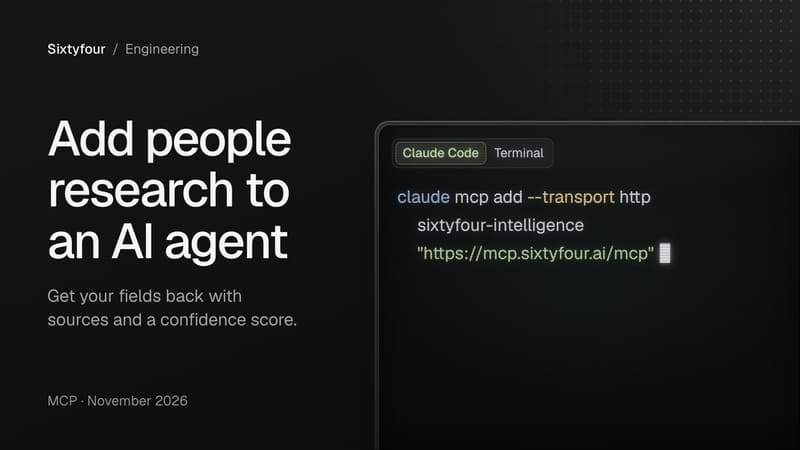
Yes, through our MCP server at https://mcp.sixtyfour.ai/mcp, signed in with OAuth or with an API key in an x-api-key header. A key passed in the URL is refused. In Claude Code:
claude mcp add --transport http sixtyfour-intelligence "https://mcp.sixtyfour.ai/mcp"
The research and contact tools, such as sixtyfour_people_intelligence_start and sixtyfour_reverse_email_start, return a task_id the agent polls with sixtyfour_enrichment_job_status. Our docs warn that a start call "that times out may still have created the job, so do not repeat it automatically." Where Atlas is enabled, sixtyfour_atlas_start takes a subject such as a name, email, phone number, username, profile URL, company, domain or a free-text query. Our post on adding research to an AI agent covers the setup for each client.
How should you store what an OSINT API returns?
These four rules are our own engineering judgement, for any OSINT source:
- Keep the source URL with every field. A finding without its URL is a claim nobody can check, so the URL travels with the value through every system it reaches. Take it from
enrichment_field_confidence, fromenrichment_references, or from an Atlas finding'ssource_urlandsource_quote. - Keep "not found" apart from "contradicted". A
nullfield, or an empty list from Company Intelligence, means the research found nothing either way, which is common for people who leave little online. A contradicted value has a page that says otherwise, and our code sets that status only when a sourced value conflicts with the claim it was checking. Our candidate verification API post shows the two statuses in code. - Log the query and its time. Store the request body, the tier, the
job_id, the time and theX-Request-Idheader that every response carries, which our docs say to log with each request. A reviewer can then see what was asked, when and at what depth. - Re-run instead of trusting an old answer. A page says what it said when it was read. Before a decision, run the research again with a new
Idempotency-Key, because the same key only replays the first Job. For fields you watch over time, monitors re-check them on a schedule and record changes with sources, and they are enabled per organisation on request.
A record we store for each field looks like this:
{"case_id": "case-4471","subject": {"name": "Odette Vardrow", "company": "Vennacombe Imports"},"endpoint": "POST /v1/people/intelligence","tier": "medium","asked_at": "2026-11-26T14:02:11Z","job_id": "job_3f8b2c1e-9d4a-4c1b-8e2f-6a7b5c4d3e21","request_id": "enrich_3f8b2c1e-7a4d-4e9b-8c21-5d6f0a9b1e47","field": "other_companies.0.name","value": "Varnhurst Trading","status": "found","confidence": 77,"sources": ["https://varnhurst.example/team"],"reviewed_by": null}
A worked example
This is a composite. Odette Vardrow, Vennacombe Imports and Varnhurst Trading are invented, the domains use the .example name reserved for documentation and the phone number is in the 555-0100 to 555-0199 range.
A payments platform's merchant review queue receives an application from Vennacombe Imports, at vennacombe.example, which sells ceramic tableware to restaurants. Its director is Odette Vardrow, on +1 617 555 0182, and the form says the business has traded since 2019. The platform's service started a reverse phone lookup, People Intelligence on Odette Vardrow and Company Intelligence on the company, both at medium with field confidence, all with the case ID as custom_id, and took the results by webhook.
| Call and field | What came back | Source | Stored as |
|---|---|---|---|
| Reverse phone | Odette Vardrow, Varnhurst Trading | The lookup's own record | A lead |
| Person, current role | Founder, Vennacombe Imports (81) | A 2026 trade press article | Found |
| Person, other companies | Director of Varnhurst Trading, 2019 to 2025 (70 to 77) | Varnhurst Trading's team page | Found |
| Company, launch date | March 2026 (74) | The company's own launch post | Contradicted: the form says 2019 |
| Company, what it sells | Ceramic tableware for restaurants (88) | Its catalogue page | Found |
| Company, other staff named | [], an empty list | None | Not found |
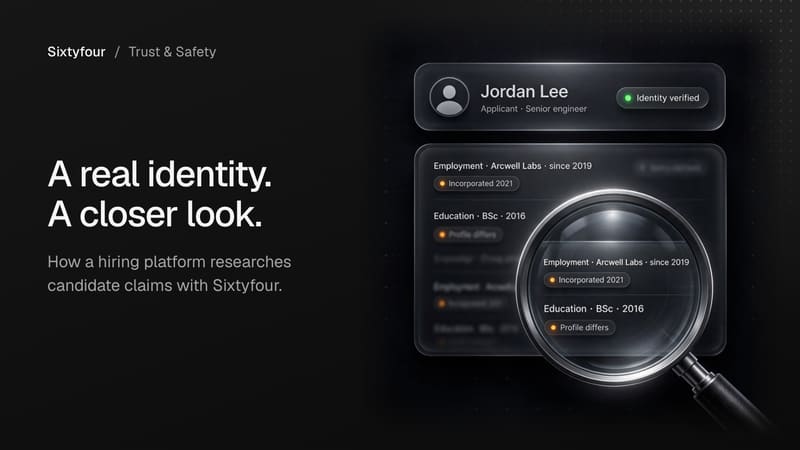
The three calls charged 28 credits at list price. The pipeline sent one reason to a reviewer: the launch post, quoted with its URL, against the date on the form. On a call, Odette Vardrow said she had traded as Varnhurst Trading since 2019 and renamed the business in 2026. The reviewer opened the team page and the launch post, and checked the earlier company's registration herself, which is a manual step. Sixtyfour returned each answer with the page behind it, and the reviewer decided what the difference meant.
Reading the results fairly
- A source dates what it reports. A team page can be accurate and out of date at once, so a field bounded in time is easier to rely on.
- Many people and small companies leave little to find, and an empty field says little about whether a claim is true.
- A reverse lookup returns a record without a page for each value, so it stays a lead until research corroborates it.
- On RECON, our benchmark for researching people (140 people and 514 verified fields), Sixtyfour XHigh, the tier that runs on the Atlas engine, scored 70.6 percent weighted accuracy (correct answers minus wrong ones, divided by all fields). High scored 54.3 percent, Medium 44.7 percent, and the strongest system from another company 41.1 percent. The public repository runs our systems as People Intelligence at each tier. We built RECON, and five of the systems it scores are ours. HUD validated it externally, and a GPT-4.1 mini judge graded the answers, agreeing with human review on 98.5 percent of a 200-field sample. On precision alone, another system on the board scores higher than XHigh. RECON measures people research only, and your subjects will differ from its 140 people.
- Sixtyfour returns what the research found and the pages it found it on. It does not verify identity documents or selfies, check bank accounts, or run consumer background checks or credit reports. Confirming a fact at a register or with the person is a step someone on your team takes, and anything the research could not establish comes back open for them to decide.
The short version
An OSINT API takes an identifier and returns what open sources say about it, with the source. Pick by job: a record lookup for standard fields at volume, a web search API for pages, and a research agent when the question is your own and someone will check the answer. On Sixtyfour, send People or Company Intelligence the subject and typed fields with field_confidence, use Reverse Lookup to turn an email address or phone number into a lead, and use Atlas for a subject that needs an investigation. Store every value with its URL, the query and its time, keep not found apart from contradicted, and re-run before a decision. Sixtyfour researches each identifier you send and returns your fields with the pages behind them, so your team can check every finding.